
Apple's MacBook lineup just got a lot more interesting. The Neo is brand new and unlike anything they've made before. The Air got the M5 chip and is better than ever. And the Pro is still the Pro. If you're trying to figure out which one is actually worth your money, here's the full breakdown.
MacBook Neo: $599
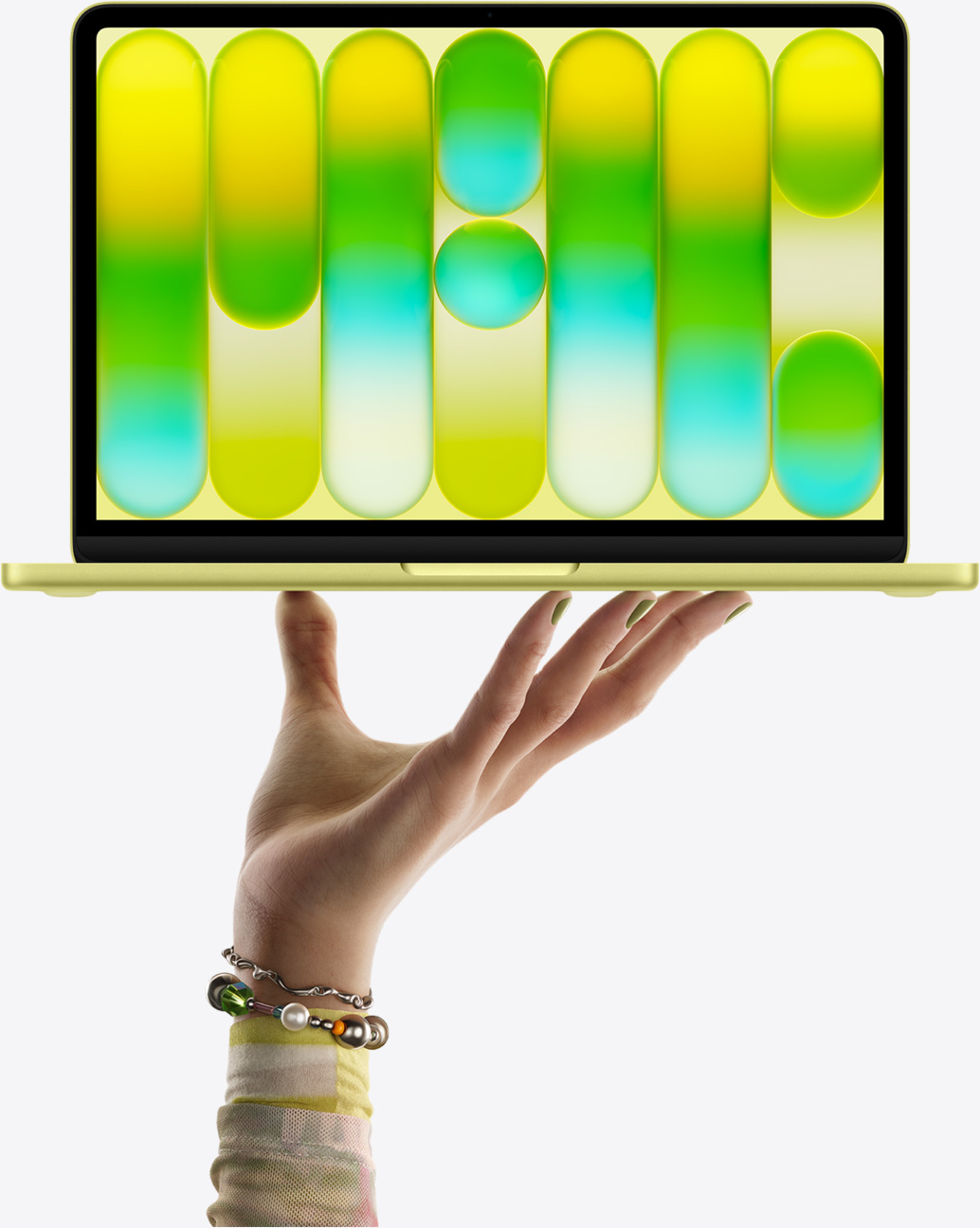

This one is new. It's Apple's cheapest laptop ever, and it's the first Mac to run an A-series chip instead of an M-series chip, specifically the A18 Pro, which is the same chip from the iPhone 16 Pro. Students and educators can get it for $499 with Apple's education discount, which makes it even harder to ignore. Apple trimmed it slightly for the Neo, so it runs a 6-core CPU (2 performance cores, 4 efficiency cores) and a 5-core GPU, with a 16-core Neural Engine and 60GB/s of memory bandwidth. There's 8GB of unified memory and no upgrade option.
At $499 for students, this thing is going to absolutely crush the Chromebook market.
The display is a 13-inch Liquid Retina panel at 2408x1506 (219 ppi) with 500 nits of brightness. It's worth knowing the screen uses sRGB color instead of the wider P3 gamut the Air and Pro use, and there's no True Tone. That's fine for everyday stuff like video, browsing, and writing, but it matters if you're doing serious color work.

On the audio side, the Neo has two side-firing speakers with Spatial Audio and Dolby Atmos support. They sound decent for the price, but it's a noticeable step down from what the Air and Pro offer.
For external monitors, you get one. The left USB-C port supports DisplayPort 1.4 and can drive a single 4K display at 60Hz. There's no Thunderbolt at all. Connectivity is two USB-C ports (one USB 3, one USB 2) and a headphone jack. Wi-Fi is 6E, Bluetooth 6.
The Neo also comes in four colors: Silver, Blush (a light pink), Citrus (a light yellow), and Indigo, all with color-matched keyboards, which is a nice touch at this price point.
Storage comes in 256GB or 512GB and that's it, there's no higher option. The 512GB model is also the only one that includes Touch ID, and the base model doesn't have it. And since RAM is soldered, 8GB is what you get no matter what.
At $499 for students, this thing is going to absolutely crush the Chromebook market. There's genuinely no argument left for a Chromebook when you can get a MacBook with an iPhone Pro chip, full macOS, an aluminum build, and 16 hours of battery life for the same price. It's not a pro machine, it knows what it is, and for casual and student use it's a serious value play.
This is for: Students, everyday users, anyone who just needs a reliable Mac for browsing, writing, streaming, and light productivity.
Skip it if: You're a developer or designer. The 8GB memory ceiling, low bandwidth, and no Thunderbolt will show up fast in any real workflow.
MacBook Air (M5): $1,099
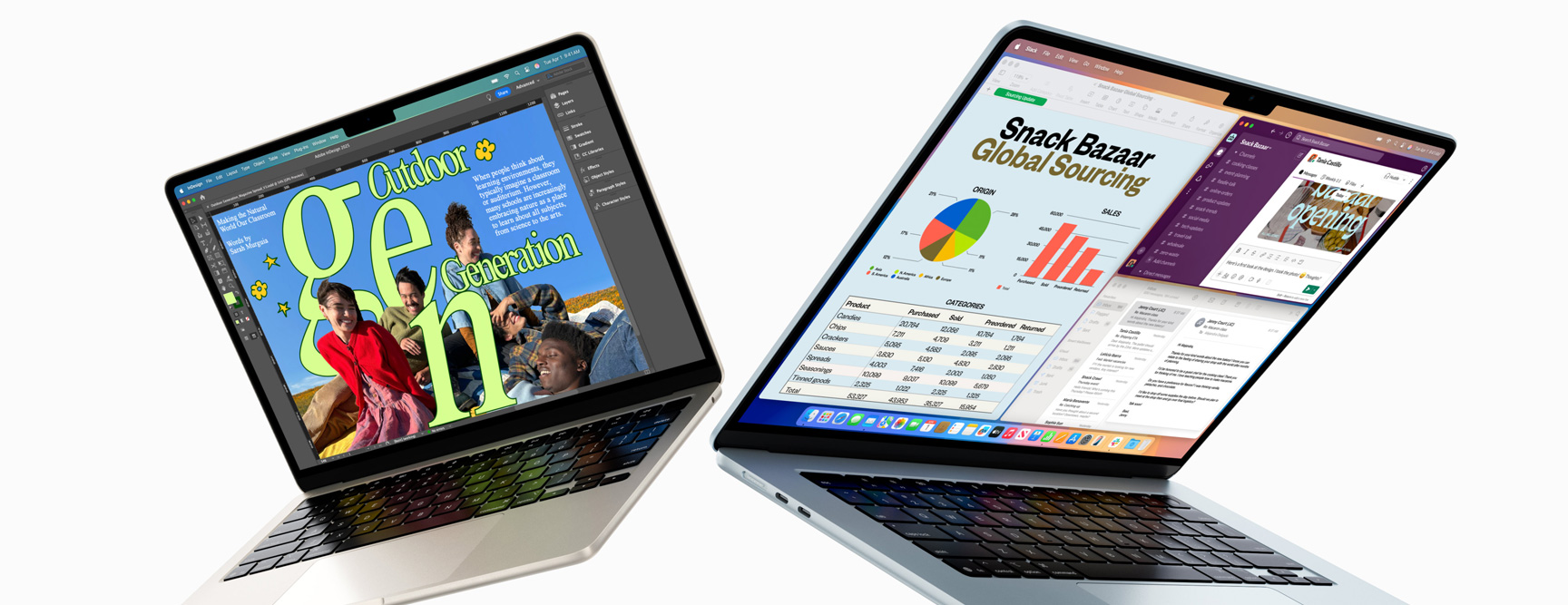

Now that the Neo exists, the Air sits comfortably in the mid-range and it's better for it. Students can get it for $999 with Apple's education discount, still a meaningful chunk of money, but for what you're getting it's fair. The M5 chip runs a 10-core CPU (4 performance cores, 6 efficiency cores) with either an 8 or 10-core GPU depending on config, a 16-core Neural Engine, and 153GB/s of memory bandwidth, more than double the Neo. Memory starts at 16GB and can be configured up to 32GB. Storage starts at 512GB and goes up to 4TB, which is a first for the Air lineup.

Color options are Sky Blue, Midnight, Starlight, and Silver. More muted than the Neo but still a solid lineup, and Sky Blue in particular looks great in person. Every Air also comes with a color-matched MagSafe charging cable.
The display comes in two sizes: 13.6-inch at 2560x1664 (224 ppi) or 15.3-inch at 2880x1864 (224 ppi). Both run at 500 nits of brightness with Wide Color P3, True Tone, and support for 1 billion colors. It's the same brightness as the Neo on paper, but the P3 gamut gives it noticeably richer, more accurate color, which matters if you're doing design or photo work.
The Air is the machine for developers and designers who want real performance without going Pro.
For external monitors, the Air supports up to two displays via its two Thunderbolt 4 ports at up to 6K/60Hz each. It also has MagSafe for charging, a 12MP Center Stage camera, Wi-Fi 7, and Bluetooth 6. Battery life is rated at up to 18 hours. The whole thing is fanless, completely silent with no moving parts, and the SSD is 2x faster than the previous generation.
On audio, the 13-inch Air has a four-speaker sound system and the 15-inch bumps up to six speakers with force-cancelling woofers. Both support Spatial Audio and Dolby Atmos, and both include high-impedance headphone support through the 3.5mm jack. It's a solid listening experience for a laptop.
The Air is the machine for developers and designers who want real performance without going Pro. VS Code, Docker, local dev servers, Affinity, Figma. It handles all of it. Going with 24GB or 32GB gives you real memory headroom for running multiple heavy apps at once. And because it's fanless, it's quiet all day, every day.
This is for: Developers, designers, creative professionals, students doing serious work. The sweet spot in the MacBook lineup.
Skip it if: You're spending hours every day doing sustained, heavy workloads like exporting long video timelines or compiling massive codebases back to back. The fanless design means it'll eventually throttle under extended heavy loads. That's where the Pro comes in.
MacBook Pro: Starting at $1,599
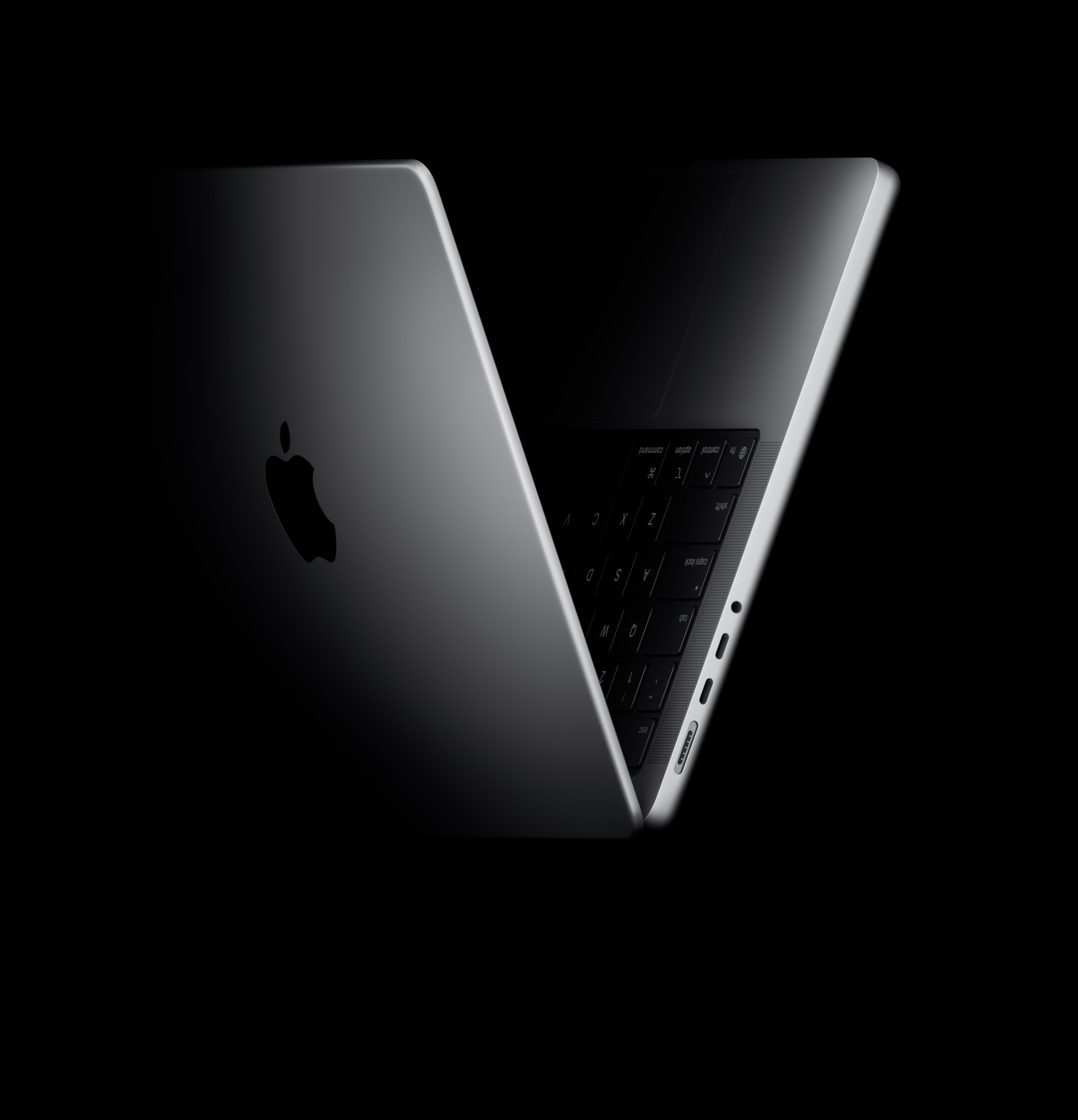
The MacBook Pro comes in 14-inch and 16-inch sizes, and within each you pick your chip: M5, M5 Pro, or M5 Max. The size you choose determines your display and battery life. The chip you choose determines your performance ceiling, memory, and storage limits.
The 14-inch panel runs at 3024x1964 and the 16-inch steps up to 3456x2234. These are meaningfully better screens than the Air, noticeably brighter and smoother.
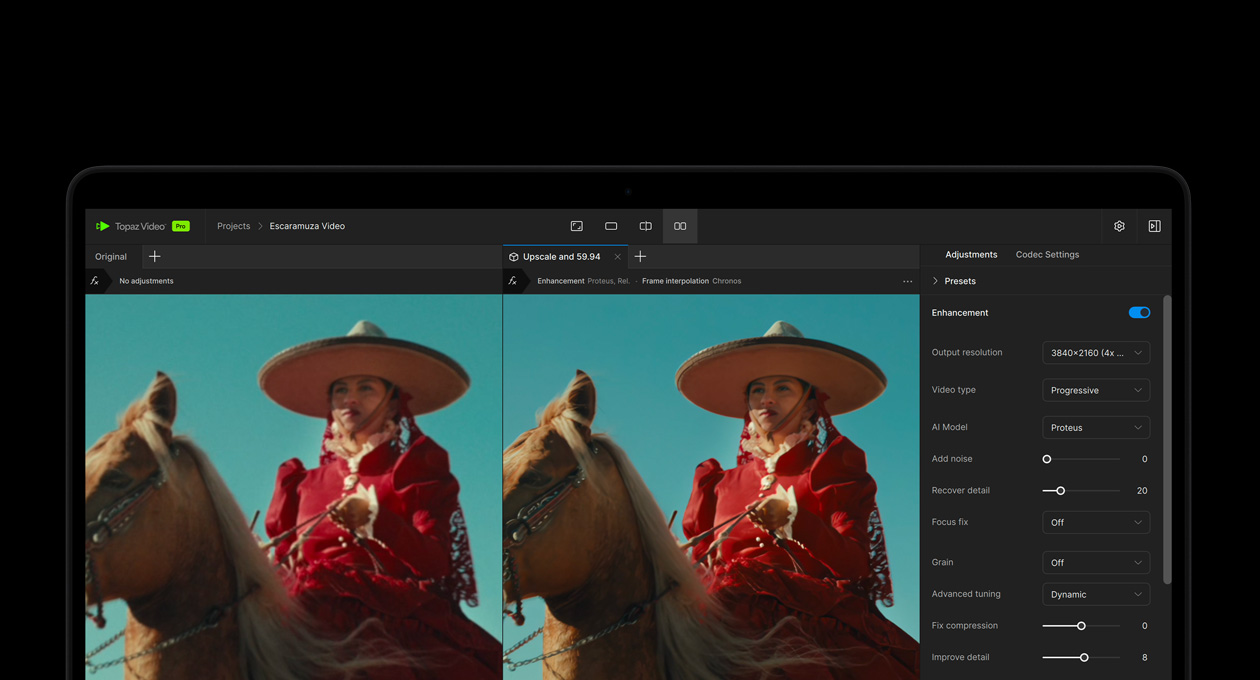
Both sizes share the same Liquid Retina XDR display technology: 254 ppi, 1,000 nits sustained brightness, 1,600 nits peak HDR, ProMotion up to 120Hz, and a 1,000,000:1 contrast ratio. A nano-texture glass option is available on both if you want to cut down on glare. The 14-inch panel runs at 3024x1964 and the 16-inch steps up to 3456x2234. These are meaningfully better screens than the Air, noticeably brighter and smoother.
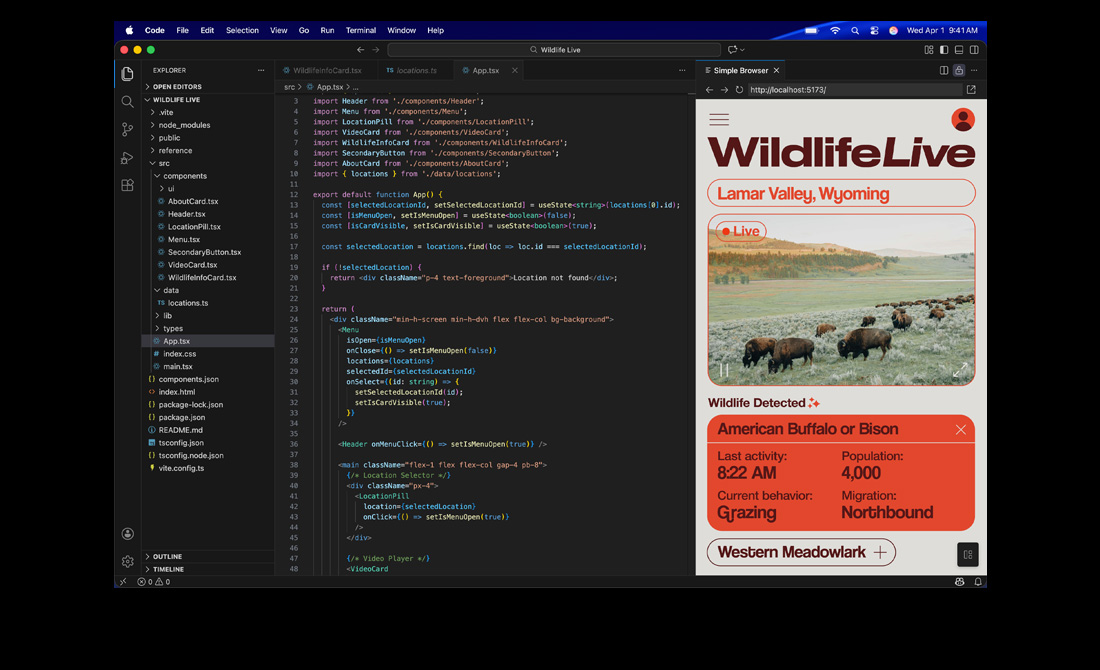
On ports, the base M5 model gets three Thunderbolt 4 ports, HDMI, SD card slot, and MagSafe. The M5 Pro and Max step up to Thunderbolt 5, which offers triple the bandwidth of Thunderbolt 4. External monitor support also scales with the chip: the base M5 drives two displays, M5 Pro drives three, and M5 Max can push four at once.
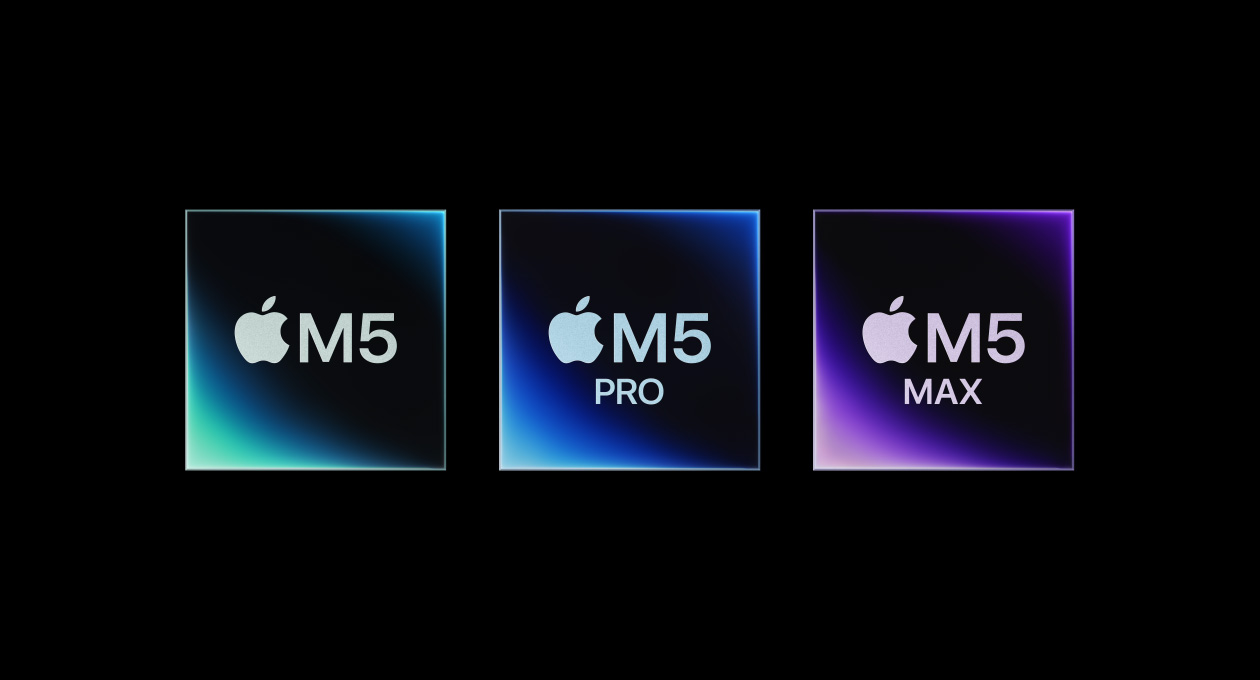
The chip options are worth understanding on their own. The base M5 has a 10-core CPU and 10-core GPU, same as what's in the Air. The M5 Pro steps things up with either a 15-core or 18-core CPU and a 16 or 20-core GPU, plus significantly higher memory bandwidth. Then there's the M5 Max: 18-core CPU, up to 40-core GPU, and memory bandwidth of 546GB/s. That's the chip for people doing serious GPU-heavy work, high-resolution video editing, or running multiple demanding tasks at the same time.
For RAM and storage, it depends on which chip you go with. The base M5 starts at 16GB and goes up to 32GB, with storage from 1TB to 4TB. M5 Pro starts at 24GB and goes up to 64GB, also 1TB to 4TB. M5 Max starts at 24GB and goes all the way to 128GB, and on the 16-inch you can configure up to 8TB of storage.
Battery life is up to 17 hours on the 14-inch and up to 24 hours on the 16-inch.
What all Pro models share regardless of size or chip is active cooling. That's the core reason to choose the Pro over the Air. It sustains maximum performance under long, heavy workloads without slowing down. If your work regularly pushes the machine hard for extended periods, that matters a lot.
All MacBook Pro models come with a six-speaker sound system with force-cancelling woofers, Spatial Audio, Dolby Atmos, and high-impedance headphone support. It's consistently one of the best speaker setups you'll find in any laptop.
The Pro keeps it simple on colors: Space Black or Silver. That's it.
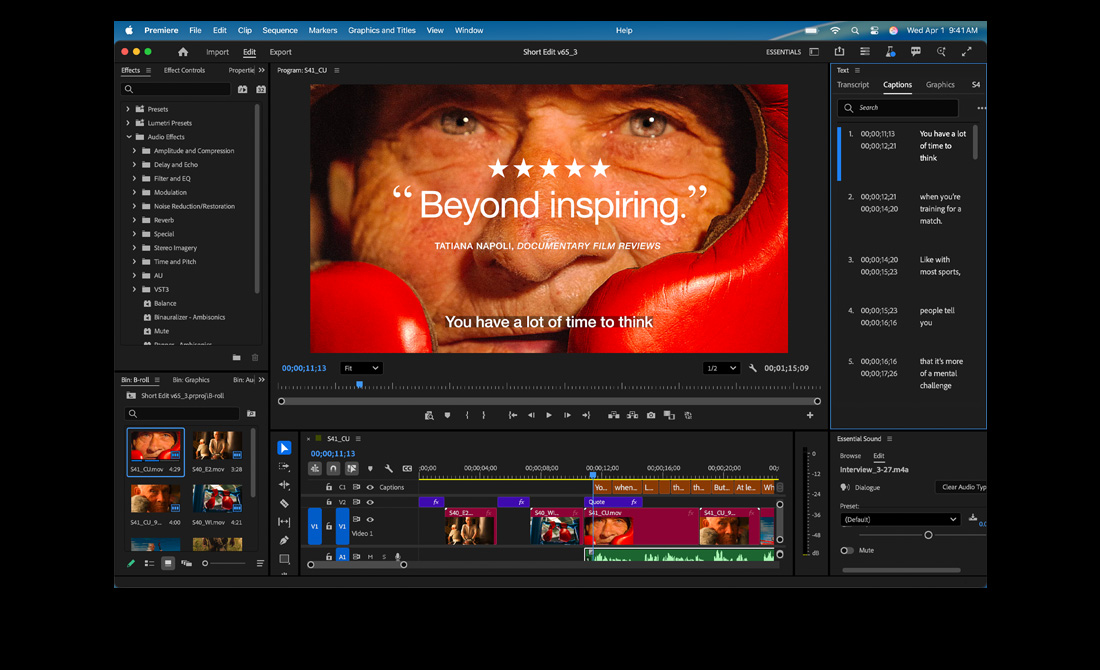
This is for: Anyone doing sustained intensive work where the Air would throttle. Video editors, motion graphics, 3D rendering, machine learning, heavy compiling. The M5 Pro and Max configs are for people who genuinely push their machine hard all day and need it to stay fast the entire time.
Skip it if: Your workflow is mostly software development, design work, or anything that doesn't require sustained maximum CPU/GPU output for extended periods. The Air handles that just fine for a lot less money.
The Short Version
Neo (Starting at $599, $499 for students): The Chromebook killer. Casual use, students, everyday tasks. Incredible value at this price.
Air (Starting at $1,099, $999 for students): The developer and designer machine. Handles real work without the Pro price tag.
Pro (Starting at $1,599, $1,499 for students): For sustained heavy workloads and pro creative pipelines. You'll know if you need it.
Which one are you going with? Let me know on BlueSky.